


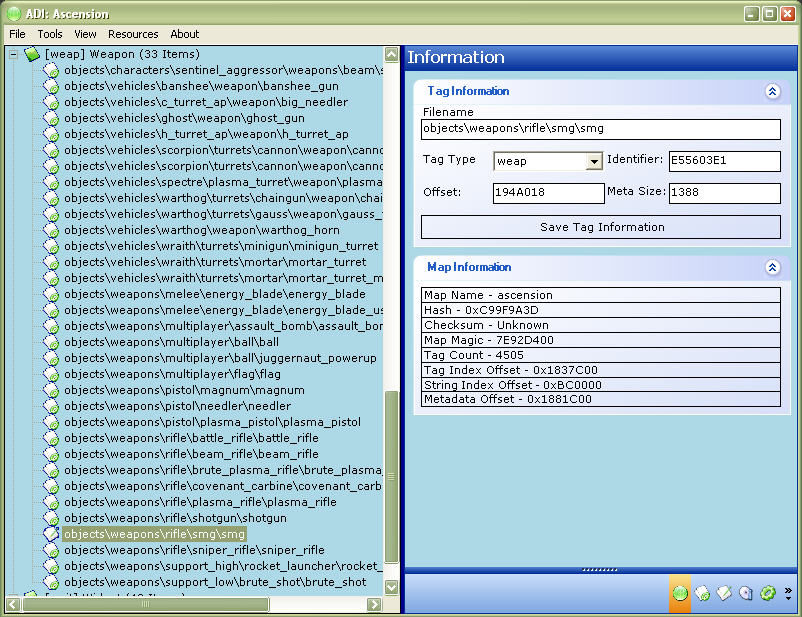
Well, it's been 6 months, and I've really been experimenting with Halo 2 in the time. I haven't really had time to update our old pal, and I'm sure many of you have switched platforms due to the lack of technical prowess of ADI 1.2.C...While I feel it is not anyones responsibility to give you all programs, I feel that it's time for ADI to be updated. This DOES NOT HAVE the map builder that I used for Descension, however it can add textures and tags for you. Just not models or animations. Because of the interflexive tree, this does not always work 100%. In the reflexive editor I added a few new features in the context menu to help you out with this problem. blueGuerilla tag editor is also included. Please don't hesitate to write up a few plugins and help out the community! It does not have a reflexive deepness limit. I didn't write a Readme, because I didn't feel like it, and I know none of you would read it anyways. So, download, enjoy, and don't ***!
2.0.1:
I feel dumb, I accidentally released a month old one by RARing a backup folder...This one should have some more things in it, quite a few bugfixes, and I removed the beta menu because none of the stuff worked and I was relentlessly getting PM'd about the stuff. I hope this is the newest one
Made by The Swamp Fox
Features
-Model injection/extraction
-Basic map editor features
Pictures


What's New in Version 05/20/09 11:24 AM
Released
No changelog available for this version.